|
 |
 |
 |
  |
 |
|
Looking back with 20/20, I wish that we could have had better communication
with ElcomSoft, Dmitry Sklyarov and the EFF (Electronic Frontier Foundation)
before the whole thing went public. I'm sorry that we weren't able to do that,
because I think we could have resolved a lot of the issues.
Bruce Chizen, CEO of Adobe Systems Inc. for CNET
|
 |
Advanced eBook Inscriber |
 |
 |
Advanced eBook Inscriber, or simply AEBIN, is a program to convert Sealed
eBooks in Microsoft
Reader (.LIT) format to Inscribed ones. Sealed eBooks can be created with
Microsoft
Reader Content SDK (available for free) or various 3rd party tools; AEBIN
allows to add any purchaser-specific information (such as purchaser's name or
order number) to the Sealed eBook, so that information will be shown on the
cover page of the book when it is opened in Microsoft Reader. This reinforces
honest usage by consumers.
|
 |
 |
|  |
Important! Unregistered (trial) version can be used during 30 days after installation (although it doesn't expire, actually) and has some limitations. You can order the fully licensed version of AEBIN over the Internet with any major credit card, or by check, or with bank/wire transfer. The ordering page is on a secure server, ensuring that your confidential information remains confidential. Delivery is done by sending you the registration code (that converts trial version into the fully-functional one) via email immediatelly after your payment is received and verified - for online payments with a credit card it usually takes just a few minutes.
|  |
|  |
Advanced eBook Explorer |
 |
 |
Advanced eBook Explorer, or simply AEBEX, is a FREE program to keep your
eBooks collection (for Adobe Acrobat eBook Reader) in order. For all
Adobe eBooks you own, it shows detailed information such as
file name and size, book ID (e.g. ISBN), title, author, publisher,
category, and number of pages. Besides, it shows permissions given
by the publishers: whether or not you can copy any text selections,
print any pages, lend/give the book to someone else, and use the
Read Aloud button to listen to the book. Also, some PDF technical
information (PDF Info Dictionary records) is shown:
creation/modification date, producer, and so on. Finally, the program
shows PDF bookmarks (if available) and used fonts (Type1 and TrueType).
The program only works for eBooks you legally own, i.e. that could
be opened by Adobe Acrobat eBook Reader on your computer, and cannot
handle "plain" PDF files (without protection, with standard Adobe
encryption or with any security handlerts other than EBX_HANDLER).
|
 |
 |
|
 |
 |
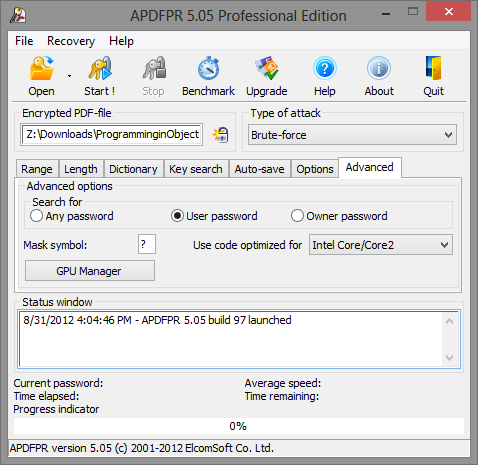
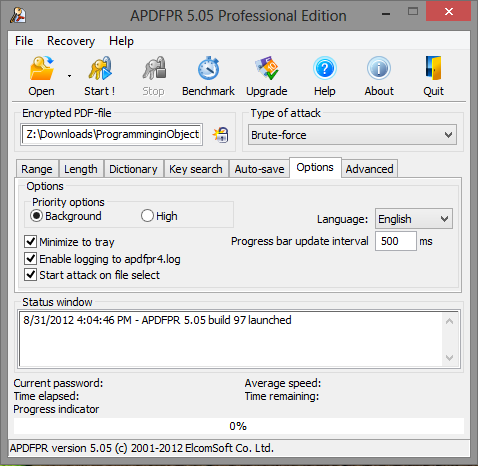
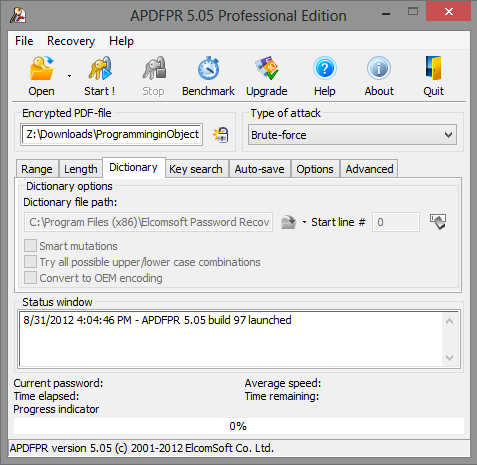
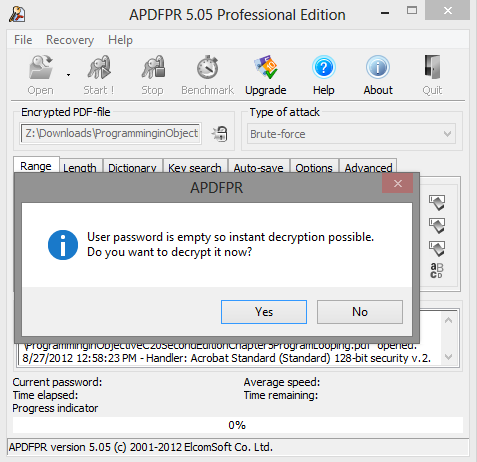
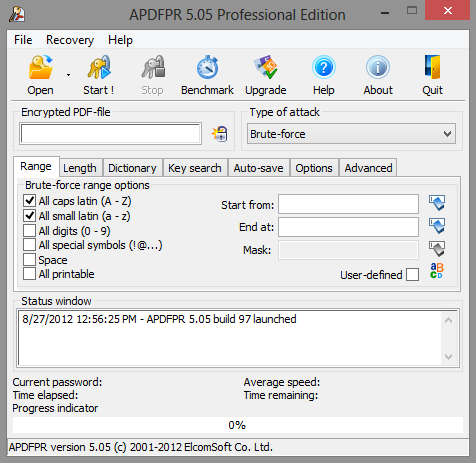
Note: if you need to remove usage restrictions from PDF files with
standard encryption, or recover PDF passwords, have a look at other
software we have developed, Advanced PDF Password Recovery.
|
 |
 |
 |
Password and data recovery solutions for: |
 |
 |
All supported products (100+ file formats)
Distributed Password Recovery for MS Office, PDF, PGP and other
Microsoft Office (Word, Excel, Access, Outlook etc.)
Archives (ZIP, RAR, ARJ, ACE)
Microsoft Windows (Boot disk to reset administrator password)
Microsoft Windows (Passwords for RAS, dialup, VPN, WEP/WPA, shared folders etc.)
Windows NT/2000/XP user passwords
Windows 2000/XP/2003/Vista NTFS (EFS)
E-mail clients
Instant messengers
Adobe Acrobat PDF
ACT!
Lotus SmartSuite (WordPro, 1-2-3, Approach, Organizer)
Corel WordPerfect Office (WordPerfect, Paradox, QuattroPro)
Intuit Quicken and QuickBooks
|
|